Description
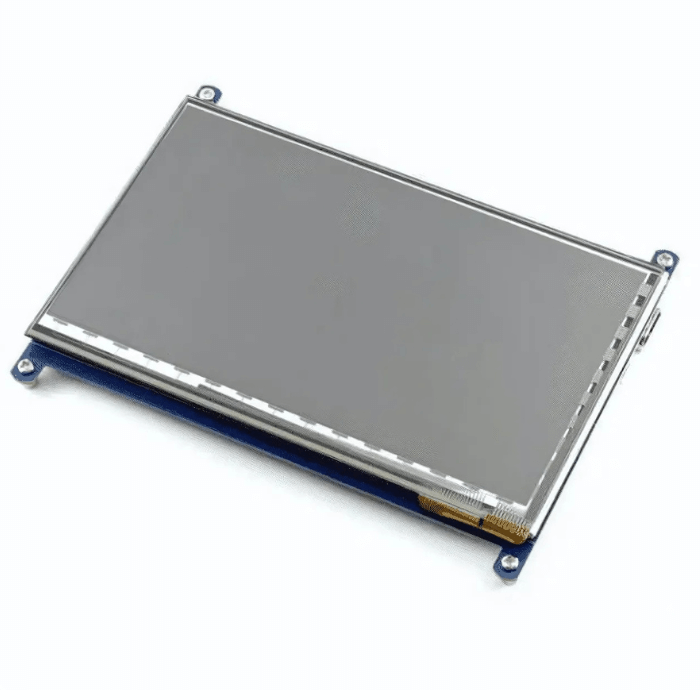
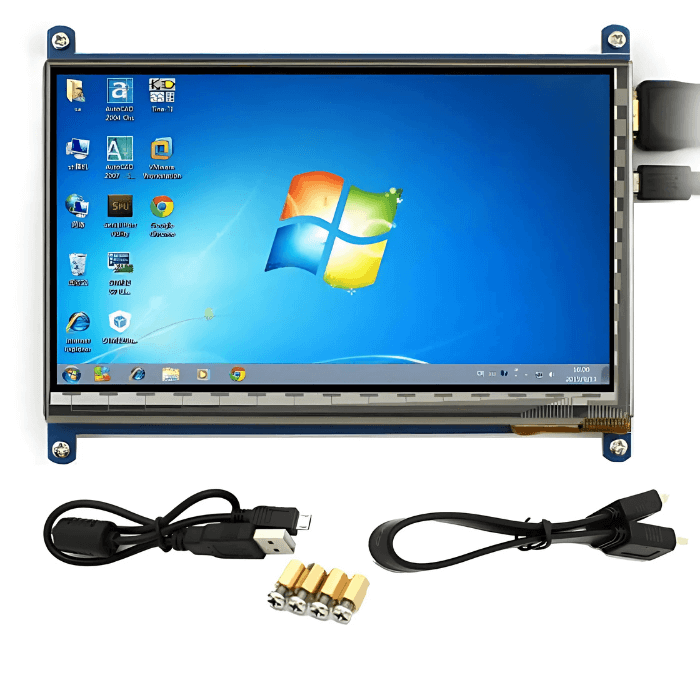
7 inch LCD Capacitive Touch Panel with HDMI and USB Cable
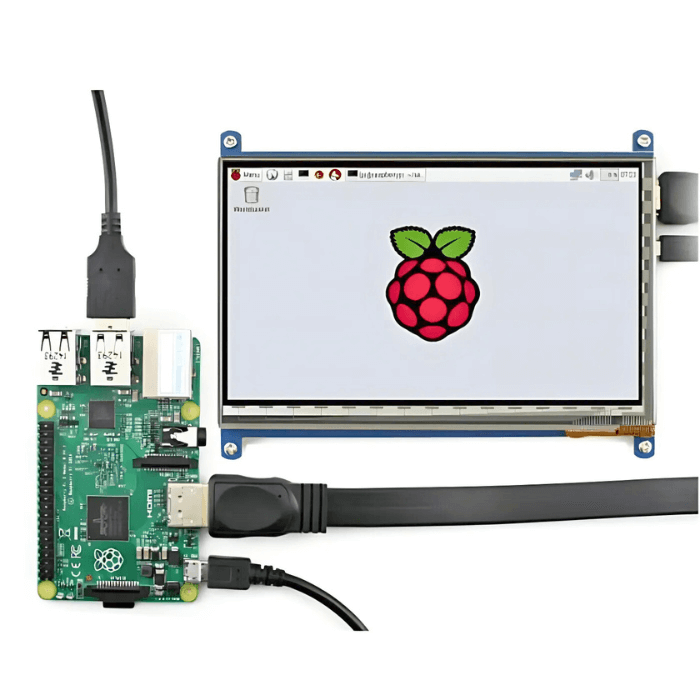
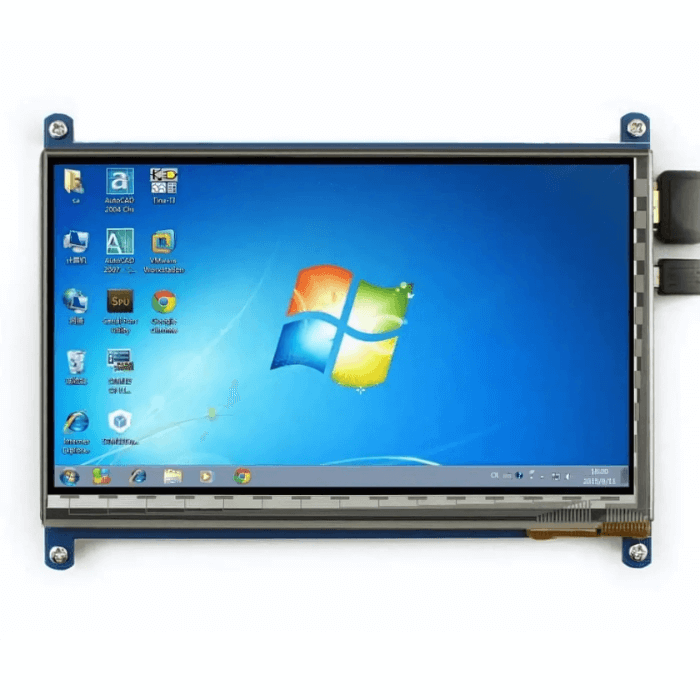
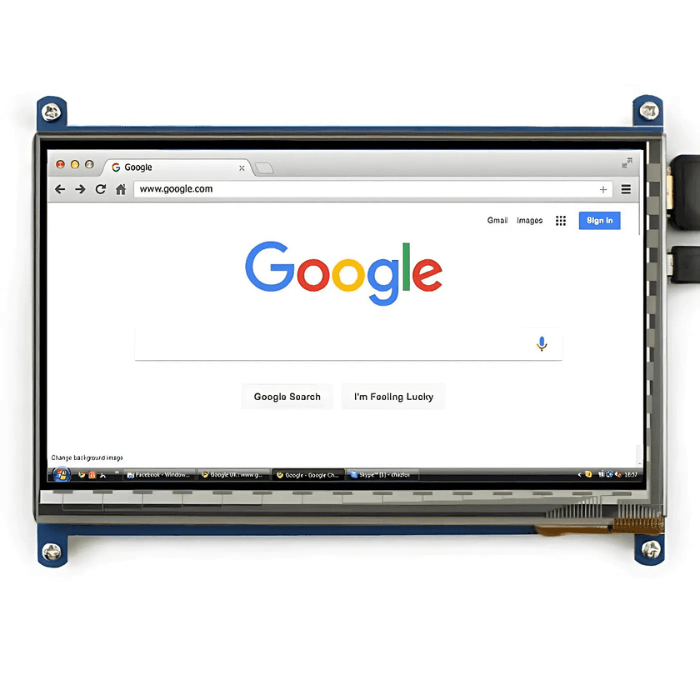
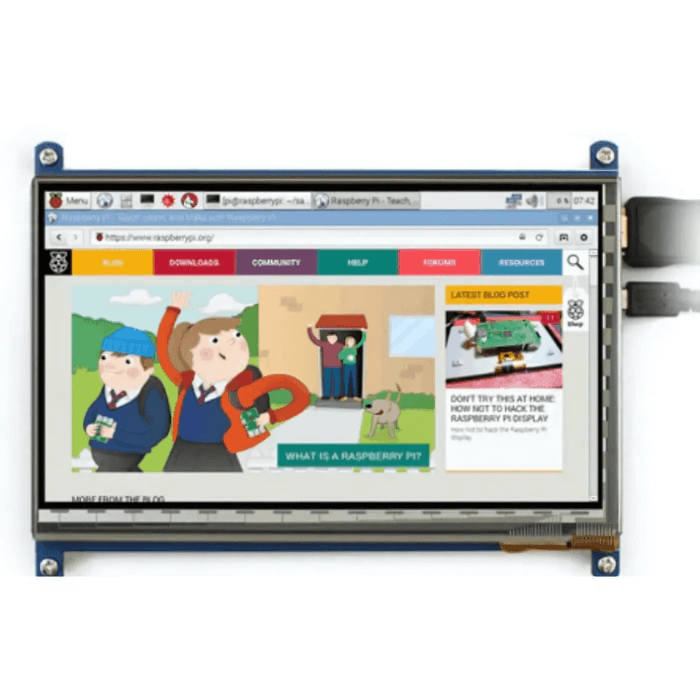
This 7 inch LCD Capacitive Touch Panel is not only for mini-PCs, but it can also work as a computer monitor just like any other general HDMI screen. This Display supports Raspbian, Ubuntu, WIN10 IoT, single touch, and multi-touch and when working with other mini-PCs, the 7-inch LCD driver is required and should be developed by users.
The 7-inch Capacitive touch Display is activated with anything containing an inductive load such as a finger or stylus. It allows for multi-touch options. When using the capacitive touch screen, the display needs a separate controller to interface with the touch panel.
The display for capacitive touch is brighter since the touch panel is transparent. The Transmissive polarizer is best used for displays that run with the backlight on all the time. This polarizer provides the brightest backlight possible. If you need a bright backlight with a lower power drain, transmissive is a good choice for this 7-inch LCD touchscreen.
If you want to use this display for raspberry pi then you will need a few handy components like boards , power supply , cables , sd cards.
Read our blog explaining the lcd display working principle.
- Monitoring in Surveillance System
- Video projection systems
- As monitors for computers
- Industrial Control System
Applications of the 7-inch Capacitive Touch Display
- Raspberry Pi touchscreen for projects and GUIs.
- DIY touchscreen tablets or mini PCs.
- Portable HDMI monitor for laptops or consoles.
- IoT dashboards and smart home control panels.
- Retro gaming consoles or compact media players.
Setup Instructions for Raspberry Pi
- Power off the Raspberry Pi before connecting.
- Connect the display via HDMI for video output.
- Connect the USB cable for touch function and power.
- Power on the Raspberry Pi to auto-detect the display.
- Optional: Edit
/boot/config.txtfor custom resolution.
Comparison: 5-inch vs 7-inch vs 10.1-inch Displays
| Feature | 5-inch Display | 7-inch Display | 10.1-inch Display |
|---|---|---|---|
| Screen Size | Very compact | Balanced size for usability | Large and spacious |
| Resolution | Lower resolution | 1024×600 | Higher resolutions available |
| Touch Experience | Small touch area | Comfortable multi-touch | Large touch area |
| Portability | Highly portable | Portable and practical | Less portable |
| Best Use Case | Compact handheld devices | General Pi projects & small monitors | Dashboards, big displays & media |
Reviews
There are no reviews yet.