Description
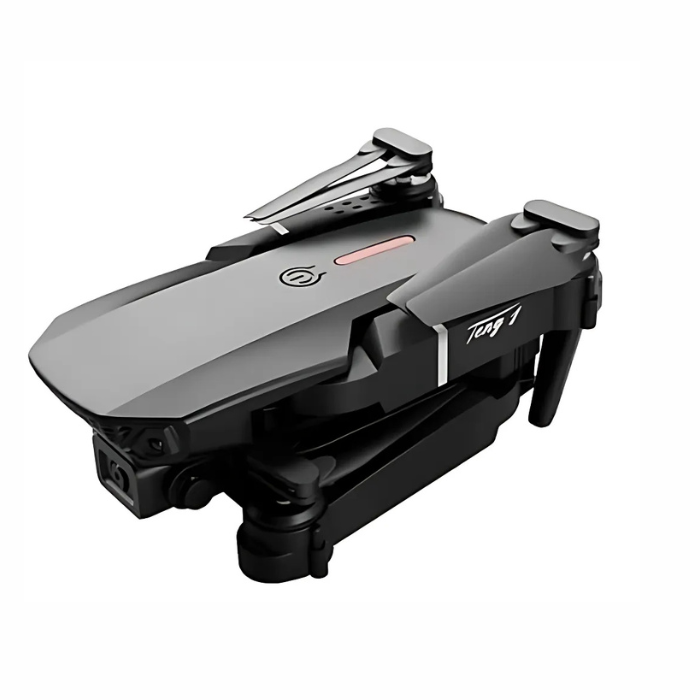
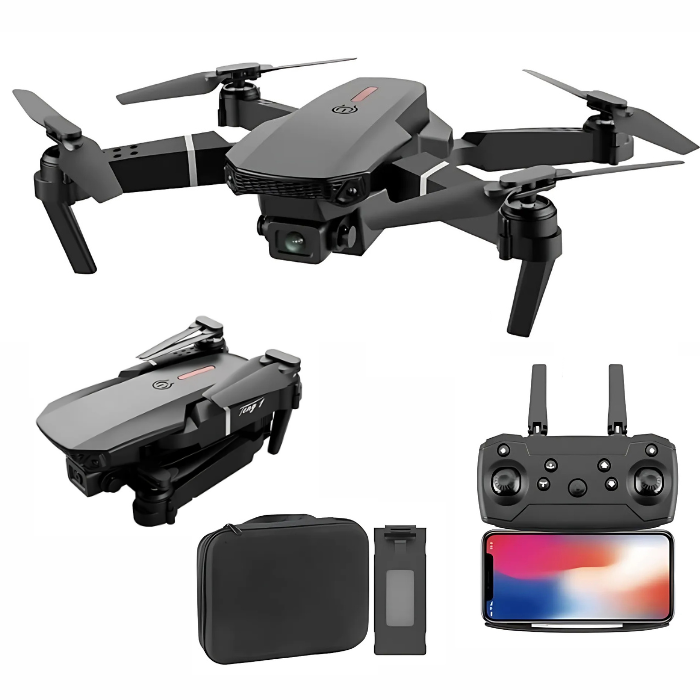
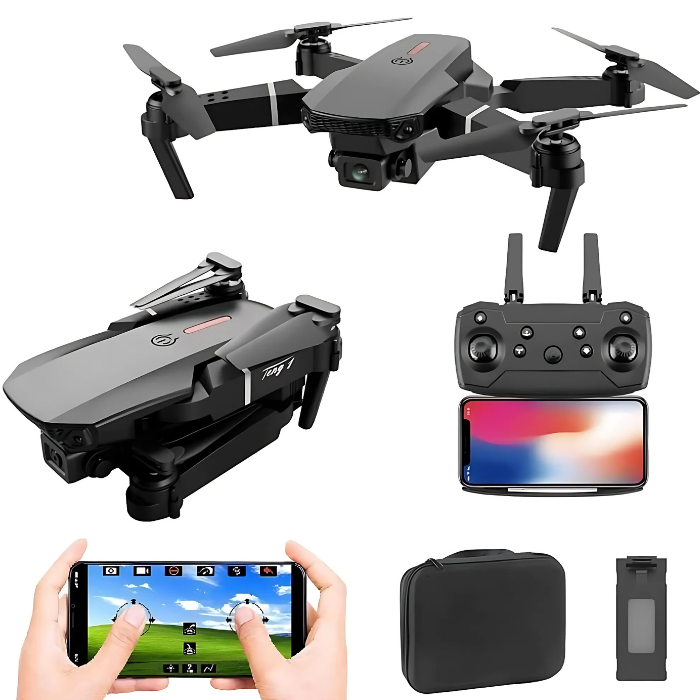
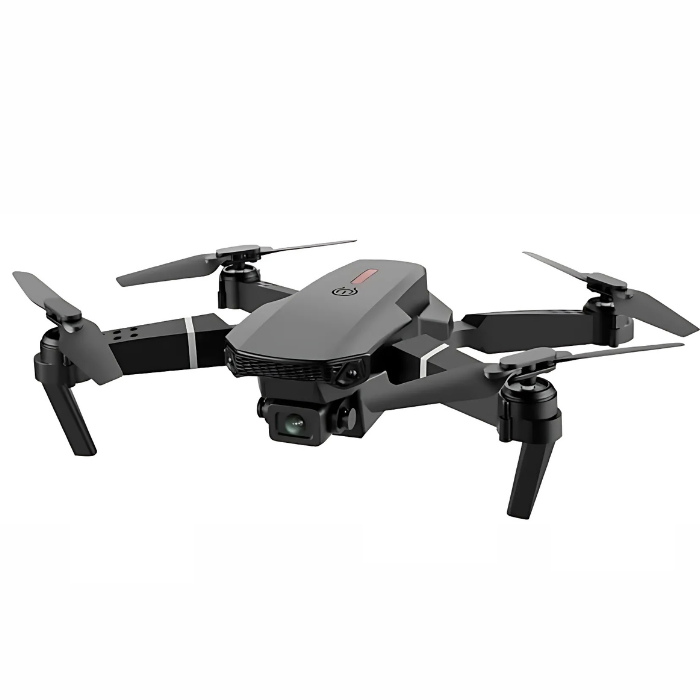
E99 PRO Foldable Drone with WiFi FPV HD Camera
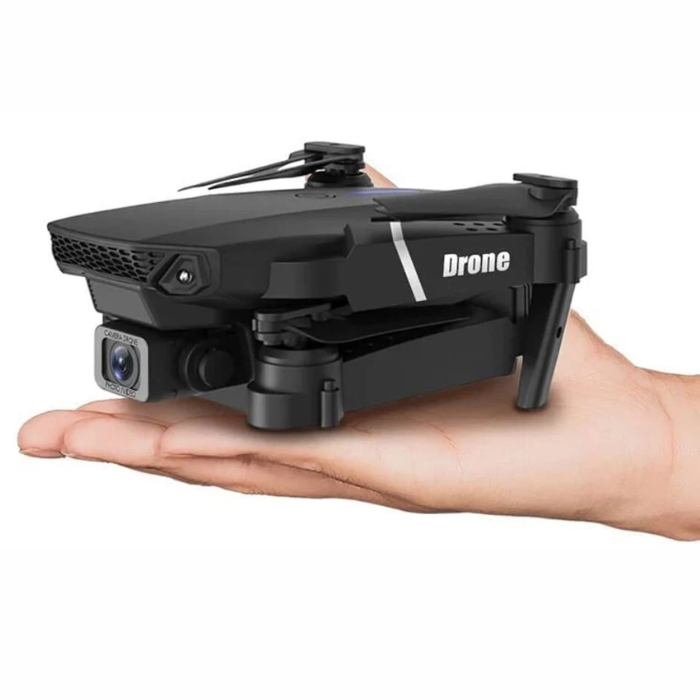
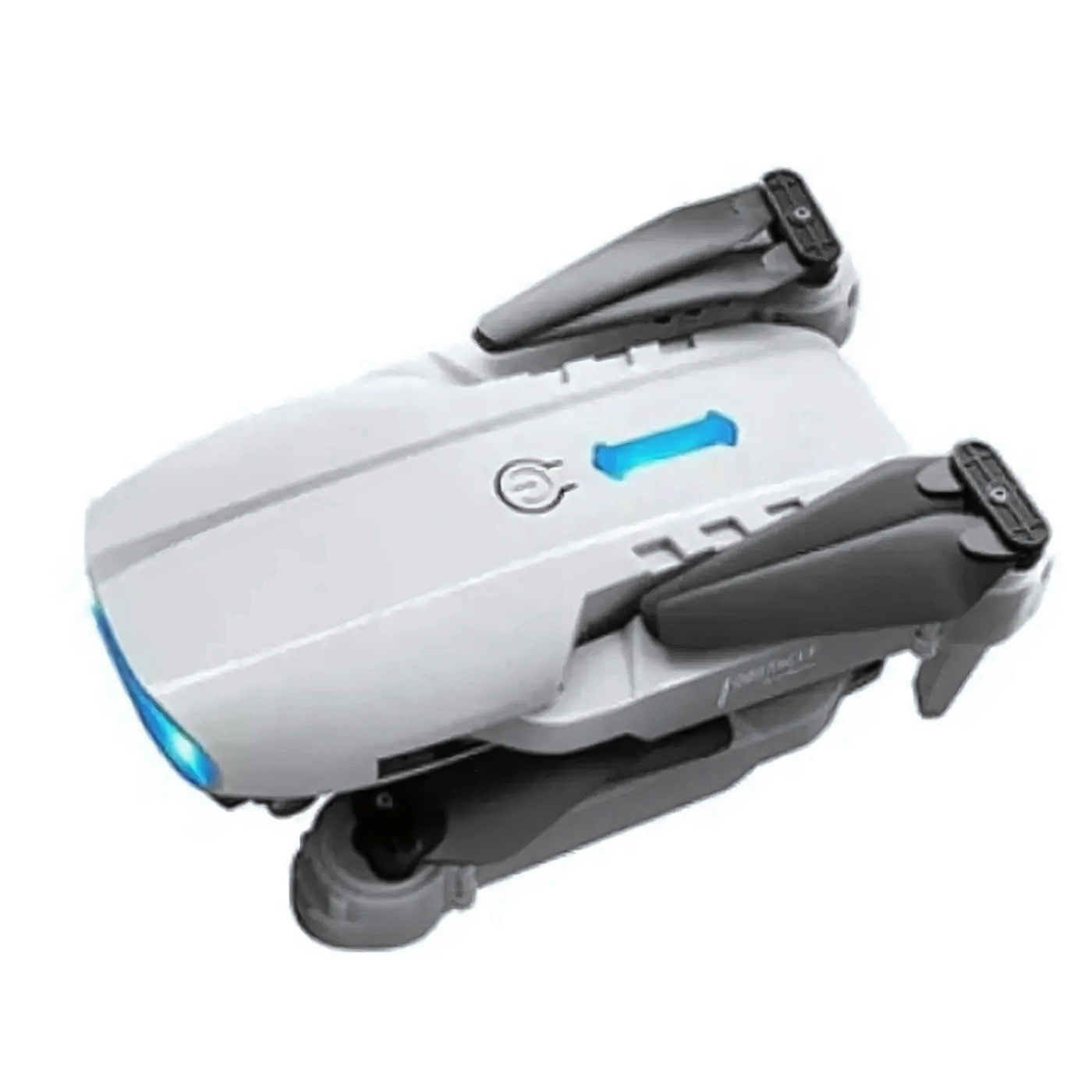
The E99 PRO Drone is a foldable quadcopter equipped with a WiFi FPV HD camera capable of capturing stunning resolution footage. Its compact, portable design makes it perfect for travel and easy to carry anywhere.
The FPV (First Person View) feature allows real-time video transmission to your device, giving you a live view of what the drone sees as it flies. This versatile drone is ideal for aerial photography and videography enthusiasts, combining convenience and high performance for capturing breathtaking moments from the sky.
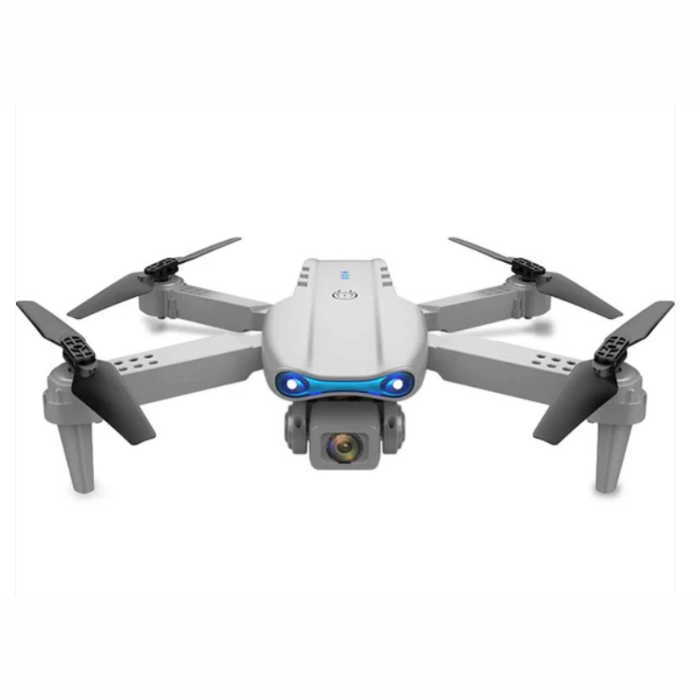
Also, you can check E88 Pro Foldable Drone with Dual Camera
E99 PRO vs E88 PRO Drone Comparison
| Feature | E99 PRO Foldable 4K Drone | E88 PRO 4K Drone |
|---|---|---|
| Camera / Resolution | WiFi FPV HD camera, 4K supported | Dual-camera (optional), up to 4K version |
| Control / Connectivity | WiFi connection, app control for Android/iOS | WiFi FPV capability & standard remote control |
| Flight Time | ~10–15 minutes per charge | ~15–20 minutes (depending on version) |
| Control/Transmission Range | Approx. 100 m | Approx. 50–80 m (depending on version) |
| Design | Foldable, portable for travel | Foldable arms, compact design |
| Special Flight Modes / Features | One-key takeoff/landing, headless mode, altitude hold | Headless mode, altitude hold, 360° flips |
| Ideal For | Beginners looking for a compact 4K foldable drone with WiFi FPV | Budget-friendly 4K (or HD) drone with decent features and foldability |
E99 PRO Drone – First-Time Setup & Calibration Guide
1. Unboxing & Initial Inspection
- Carefully remove the drone and accessories from the box.
- Check for any visible damage to the drone, propellers, battery, or remote controller.
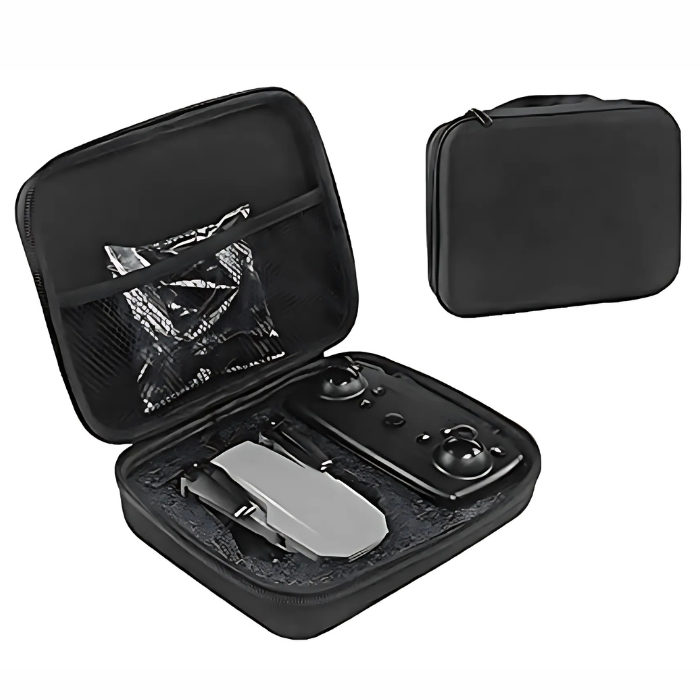
- Ensure all components are present: drone, remote controller, battery, charging cable, spare propellers, and manual.
2. Charging the Battery
- Connect the drone’s battery to the supplied charger.
- Charge fully before first use (~2–3 hours depending on battery level).
- Do not leave the battery unattended while charging.
3. Installing the Battery
- Slide the battery into the drone’s battery compartment until it clicks securely.
- Ensure the battery is locked in place to prevent disconnection during flight.
4. Propeller Installation
- Identify the marked propellers (A/B) and match them to the corresponding motors.
- Secure each propeller properly; do not over-tighten.
- Use only the supplied propellers to avoid imbalance or damage.
5. Remote Controller Setup
- Insert fresh batteries into the controller (or charge if it’s rechargeable).
- Turn on the controller by pressing the power button until the LED indicator lights up.
6. Connecting Drone to Controller
- Turn on the drone by pressing its power button until the lights flash.
- Pair the drone with the remote controller (usually by moving the throttle stick up and then down).
- Confirm successful connection when the drone’s lights turn steady.
7. Calibrating the Drone
- Place the drone on a flat surface.
- Enter calibration mode (hold both sticks in the “cross” position).
- Wait for the LED indicators to turn solid, signaling successful calibration.
- Test by gently moving the control sticks to ensure smooth responses.
8. Pre-Flight Checks
- Ensure the propellers are free from obstructions.
- Check the battery level of both drone and controller.
- Ensure the flight area is clear of people, pets, and obstacles.
9. First Flight
- Start with a low altitude hover to test stability.
- Practice basic maneuvers: takeoff, landing, and gentle turns.
- Avoid flying in strong winds or crowded areas during your first session.
Safety Tips for Flying Indoors and Outdoors
Indoor Flying
- Ensure the flight area is clear of obstacles such as ceiling fans, furniture, and fragile objects.
- Keep a safe distance from people and pets to avoid injury.
- Use low speed and altitude settings to maintain control in confined spaces.
- Turn on propeller guards if available to reduce damage from accidental collisions.
- Avoid flying near windows or mirrors to prevent reflection-related accidents.
Outdoor Flying
- Fly in open areas away from trees, power lines, and crowded spaces.
- Avoid strong winds, rain, or extreme weather conditions that could destabilize the drone.
- Maintain a safe distance from people, animals, and vehicles.
- Keep the drone within visual line of sight at all times.
- Observe local regulations and no-fly zones for drones.
- Ensure the battery is fully charged before flying to prevent mid-air power loss.
Reviews
There are no reviews yet.