Description
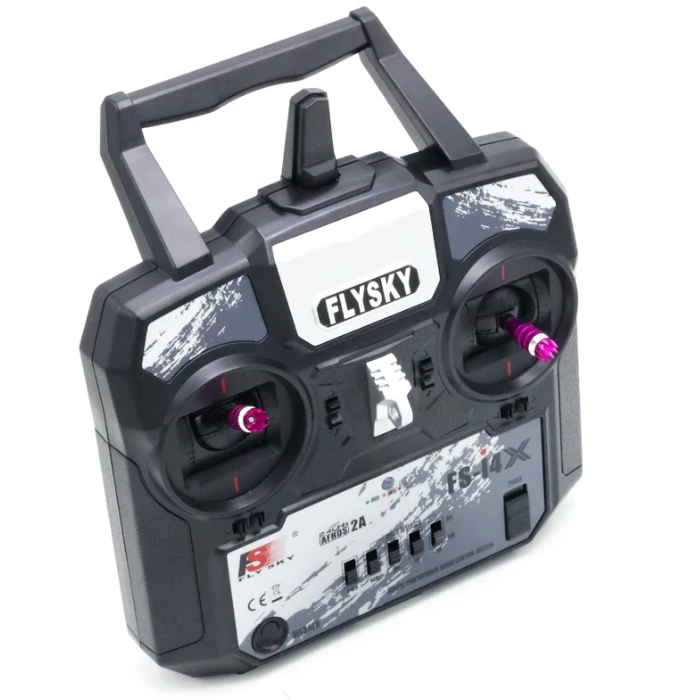
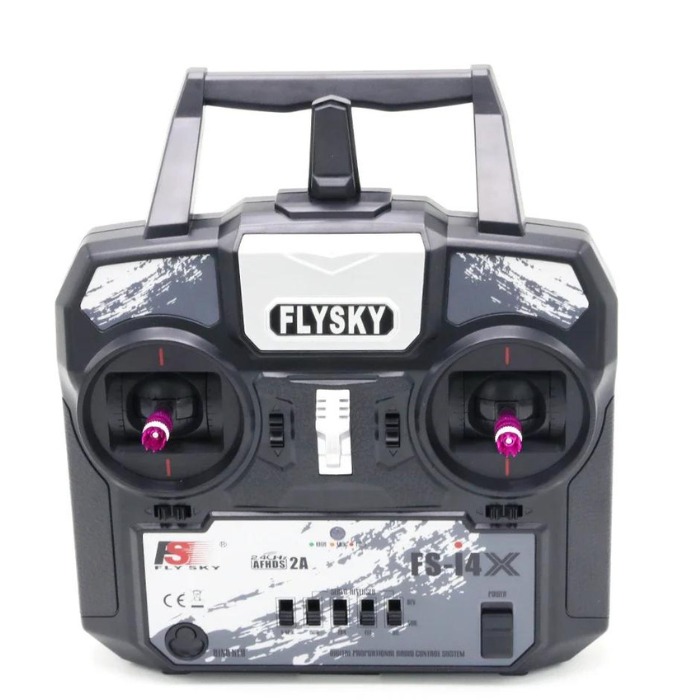
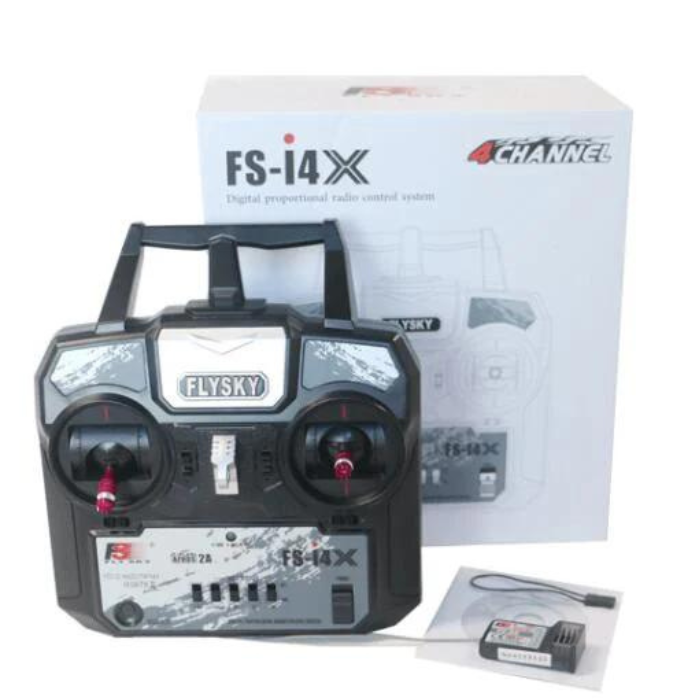
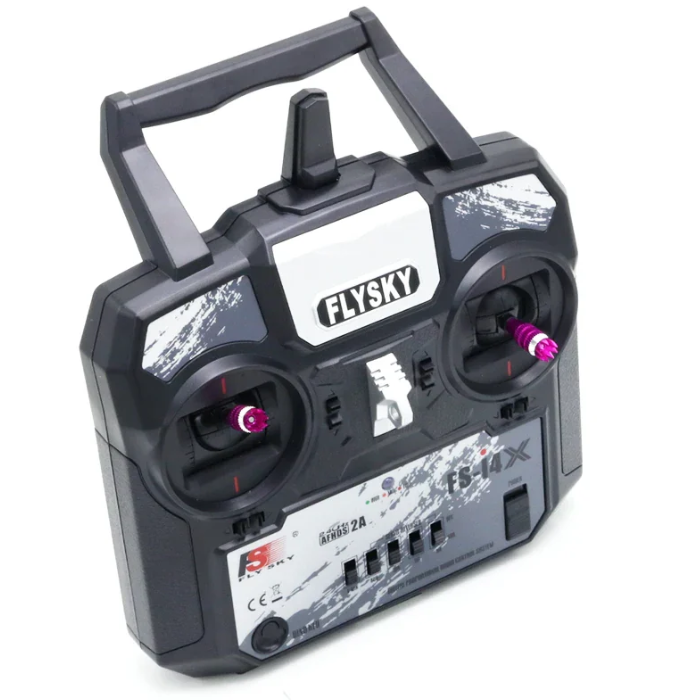
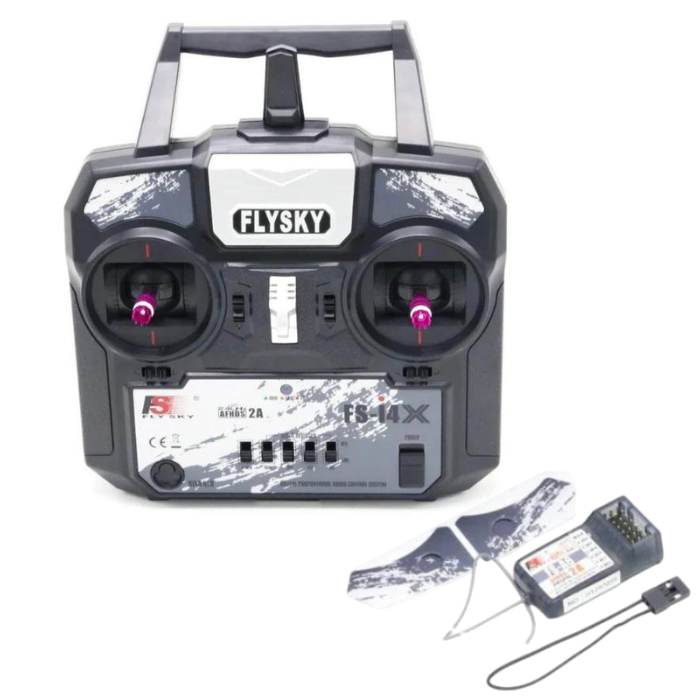
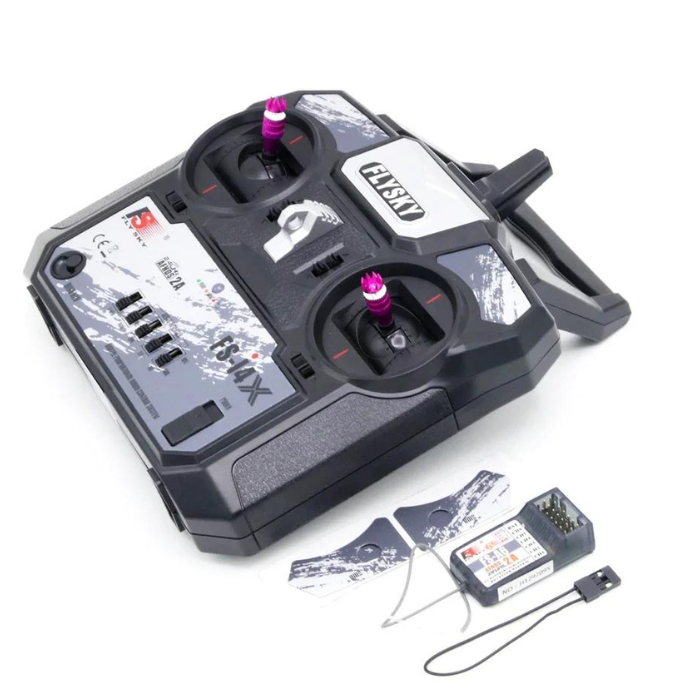
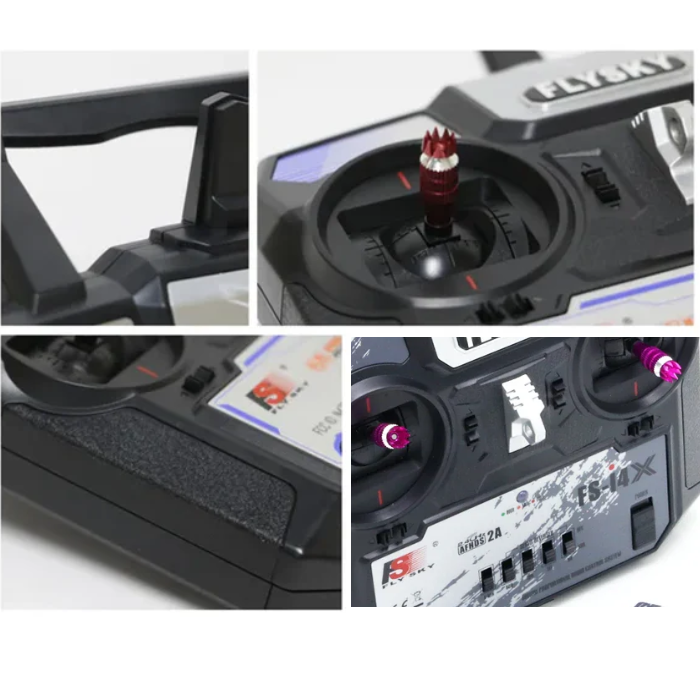
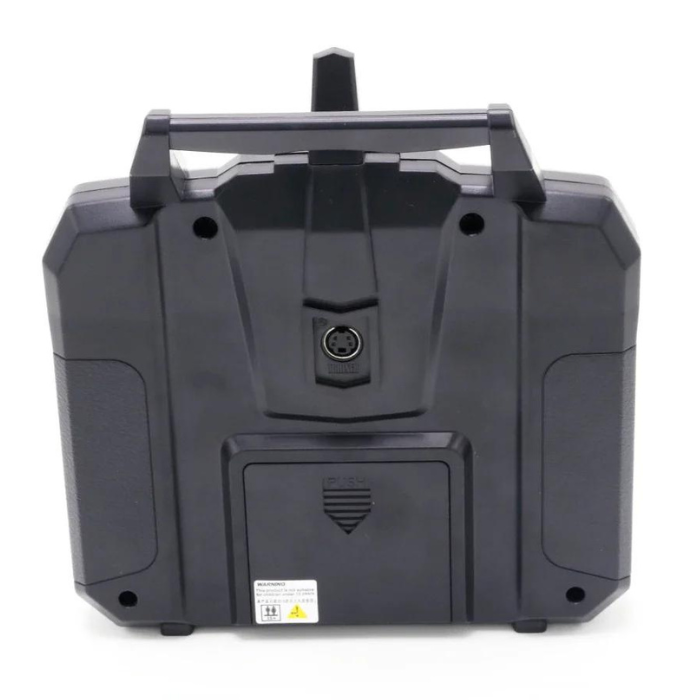
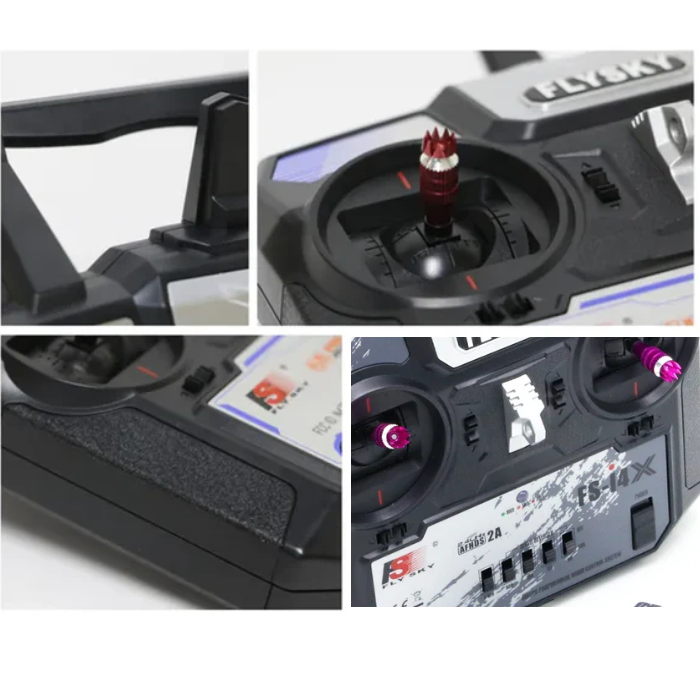
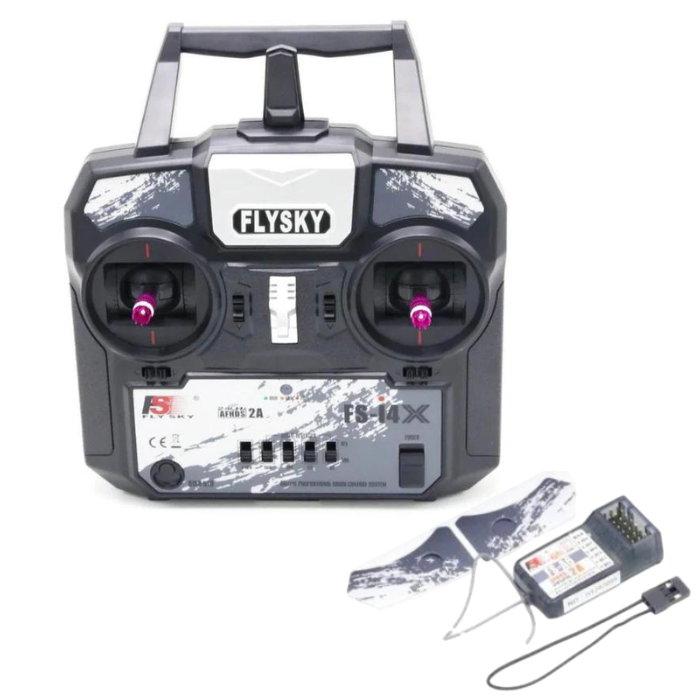
FlySky FS-i4X 2.4GHz 4CH AFHDS R/C Transmitter with FS-A6 Receiver
This FlySky FS-i4X 2.4GHz 4CH AFHDS R/C Transmitter + FS-A6 Receiver radio system uses a high gain and high-quality multi-directional antenna; it covers the whole frequency band.
Associated with a high-sensitivity receiver, this drone transmitter and receiver guarantees a jamming-free long-range radio transmission.
This transmitter and receiver for drones supports AFHDS 2A which ensures 2 or more radios can operate at the same time without interfering with each other’s respective aircraft.
Each transmitter has a unique ID when binding with a receiver, the receiver saves that unique ID and can accept only data from the unique transmitter, this avoids picking another transmitter signal and dramatically increases interference immunity and safety.
With strong initiative and passive anti-interference ability and V-MIX mix control system this drone transmitter and receiver compatible with many models. According to your own needs, you can DIY expansion channel, this item can be expanded to 10CH.
Works in the frequency range of 2.405 to 2.475GHz. This drone remote control brand has been divided into 140 independent channels. This transmitter and receiver for drone uses low-power electronic components and a sensitive receiver chip.
The RF modulation uses intermittent signals thus reducing even more power consumption.
AFHDS2A has built-in multiple channel coding and error correction, which improve the stability of the communication, reduce the error ratio, and extend the reliable transmission distance of flysky fs i4x drone remote controller.
Features:
- FlySky FS-i4X 2.4GHz 4CH AFHDS R/C Transmitter with FS-A6 Receiver.
- Uses a high gain and high-quality multi-directional antenna for comprehensive frequency band coverage.
- This Drone remote control guarantees jamming-free long-range radio transmission with a high-sensitivity receiver.
- Supports AFHDS 2A, allowing multiple radios to operate simultaneously without interference.
- Each transmitter has a unique ID for binding with the receiver, ensuring data reception only from the paired transmitter.
- This drone transmitter and receiver features strong initiative and passive anti-interference ability.
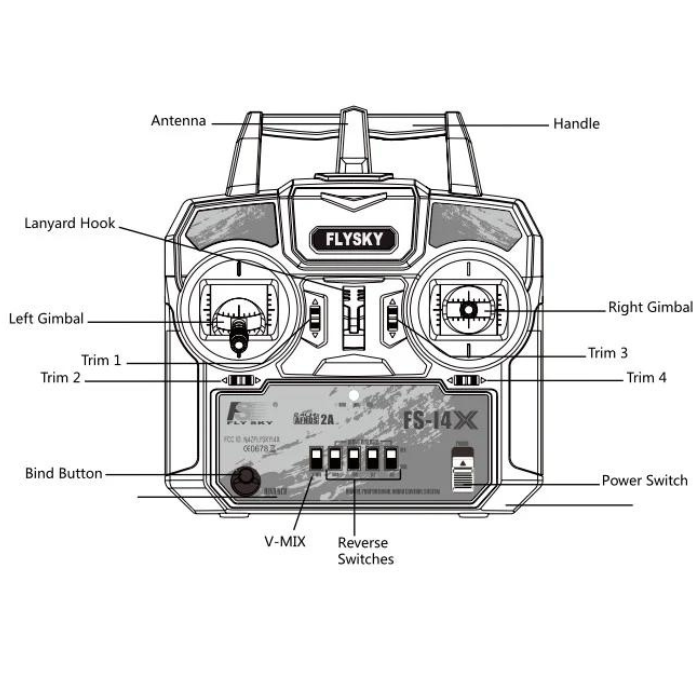
- V-MIX mix control system for compatibility with various models.
- Expandable to 10 channels according to user needs.
- Operating frequency range: 2.405 to 2.475GHz.
- Divided into 140 independent channels for improved communication stability.
- Utilizes low-power electronic components and a sensitive receiver chip.
- Built-in multiple channel coding and error correction (AFHDS2A) for enhanced communication stability and reliability.
Benefits of FlySky FS-i4X Transmitter for RC Drones, Cars, and Planes
- Reliable 2.4GHz AFHDS 2A technology ensures stable, interference-free control.
- Compact and ergonomic design offers comfortable handling during long sessions.
- Supports up to 10 channels, allowing advanced control options and accessories.
- Strong signal range suitable for drones, cars, and aircraft applications.
- Low power consumption provides longer battery life for extended use.
- Quick and secure binding prevents cross-control with other transmitters.
- Ideal for beginners and hobbyists looking for a versatile, easy-to-use transmitter.
Applications:
- RC Planes
- RC Truck
- Quadcopters
- RC Car
- RC Boat
FlySky FS-i4X vs FS-i6 vs FS-i6X Comparison
| Feature | FS-i4X | FS-i6 | FS-i6X |
|---|---|---|---|
| Number of Channels | 4 (expandable up to 10) | 6 | 6 (expandable up to 10) |
| Protocol | AFHDS 2A | AFHDS 2A | AFHDS 2A (backward compatible) |
| Model Memory | Basic (limited slots) | Standard firmware with model storage | Improved firmware with more model slots |
| Range | Up to 1 km | Up to 1.5 km | Up to 1.5 km |
| Display & Interface | No LCD screen | LCD screen with menu navigation | Enhanced LCD screen with advanced settings |
| Use Case | Beginner RC drones, cars, and planes | Intermediate-level hobby projects | Advanced RC models with added features |
| Expandability | Limited feature expandability | Firmware upgradable | Full firmware and channel upgrade support |
Setup and Connection Guide: FlySky FS-i4X with FS-A6 Receiver
- Power the Receiver: Connect the FS-A6 receiver to your flight controller or ESC using the 3-pin cable (signal, VCC, GND). Ensure the receiver is powered with 5V from the ESC’s BEC or an external power source.
- Insert Bind Plug: Plug the bind connector into the B/VCC port of the FS-A6 receiver to enter binding mode.
- Power On the Receiver: When powered, the receiver’s LED will flash rapidly, indicating it’s ready to bind.
- Set Transmitter to Bind Mode: Turn on your FlySky FS-i4X transmitter while holding the BIND button. The transmitter will automatically enter binding mode.
- Successful Binding: Once bound, the receiver LED will stay solid. Remove the bind plug from the receiver.
- Power Cycle: Turn off both the transmitter and receiver, then power them back on. The receiver LED should stay solid, confirming a stable connection.
- Connect to Servo or ESC: Attach your servo or ESC signal wire to the appropriate channel (CH1–CH4) on the FS-A6 receiver based on your model setup.
- Test Controls: Verify all channel movements using the transmitter. Reverse any channels if the control direction is incorrect.
Troubleshooting Tips: FlySky FS-i4X & FS-A6 Receiver
-
Binding Fails:
- Ensure the bind plug is properly inserted into the B/VCC port before powering the receiver.
- Keep the transmitter within 1 meter of the receiver during binding.
- Check transmitter batteries; low voltage can prevent successful binding.
- Turn both devices off and try rebinding again.
-
Receiver LED Keeps Flashing:
- This indicates no signal from the transmitter.
- Recheck if the transmitter and receiver are bound correctly.
- Ensure you’re using a compatible AFHDS 2A transmitter.
- Inspect receiver wiring for loose or reversed polarity connections.
-
Intermittent Signal or Control Lag:
- Keep antennas away from metal parts or power wires to avoid interference.
- Position receiver antennas at 90° angles for better signal reception.
- Move the transmitter slightly farther from the receiver if too close during setup.
-
No Servo Response:
- Verify correct channel connections (signal, VCC, GND).
- Ensure the BEC or power source provides a stable 5V output.
- Test servos individually to confirm they are working.
-
Receiver Not Powering On:
- Check connection polarity; reversed power can damage the receiver.
- Try powering from another ESC or BEC to rule out faulty wiring.
Reviews
There are no reviews yet.